
Most Google Business Profile advice out there covers the same five things: add photos, ask for reviews, fill out your hours. All true, none of it is wrong exactly, but it’s also the stuff every business owner’s already heard a dozen times and either already did or keeps putting off.
The problem is that surface-level advice doesn’t explain why some profiles pull in calls and directions requests every day while others fully “compete” by Google’s own checklist, barely move.
The difference usually comes down to a handful of things that don’t make the top-tier lists- how categories interact with search intent, how Q&A sections quietly become a ranking signal.
So, in this guide, we will show you a deeper pass at Google Business Profile Optimization, past the basics, aimed at the stuff that actually shows up in the numbers.
What Actually Is a Google Business Profile (GBP)?
A Google Business Profile is a tool that Google gives to businesses to help them be seen on the internet. Nowadays, lots of people use their smartphones to look for things they want to know, to shop, and to find businesses that’re close to them.
Now, instead of looking for places manually, people look on the internet first, such as “Good Restaurant Near Me” or “Best Lawyers to get Petrol Pump Approvals”. Whatever businesses come at the top and have more reviews will take away more customers than the one whose Google Business Profile Optimization isn’t done properly.
1. Get Your Primary Category Exactly Right
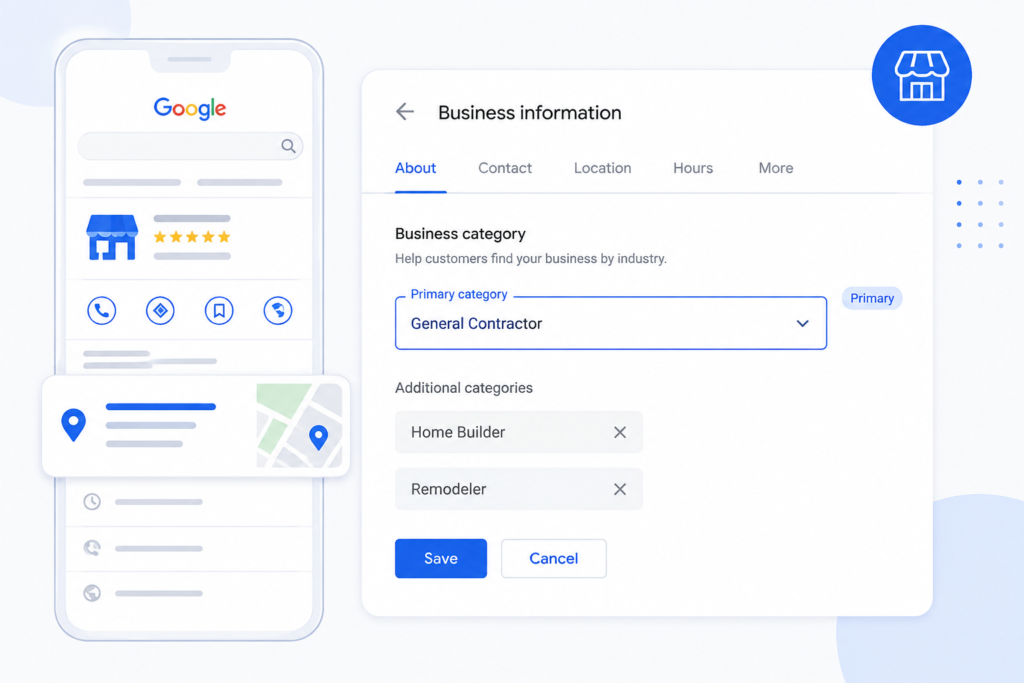
This is the single most underrated lever on the whole profile. Google leans heavily on your primary category to decide which searches you’re eligible to show up for, and “close enough” categories cost visibility in ways that aren’t obvious from the outside.
A general contractor who picks “Construction Company” as their primary category instead of “General Contractor” might not notice anything’s wrong- the profile still looks complete, still shows up for branded searches.
But it’ll quietly miss out on high-intent searches that map more precisely to the correct category. Worth auditing this even on profiles that have been live for years; category mismatches are common and rarely get revisited once set.
Secondary categories matter, but less. Add every genuinely accurate one, skip anything that’s a stretch- Google’s gotten better at penalizing category stuffing than it used to be.
2. Write the Business Description Like a Search Query
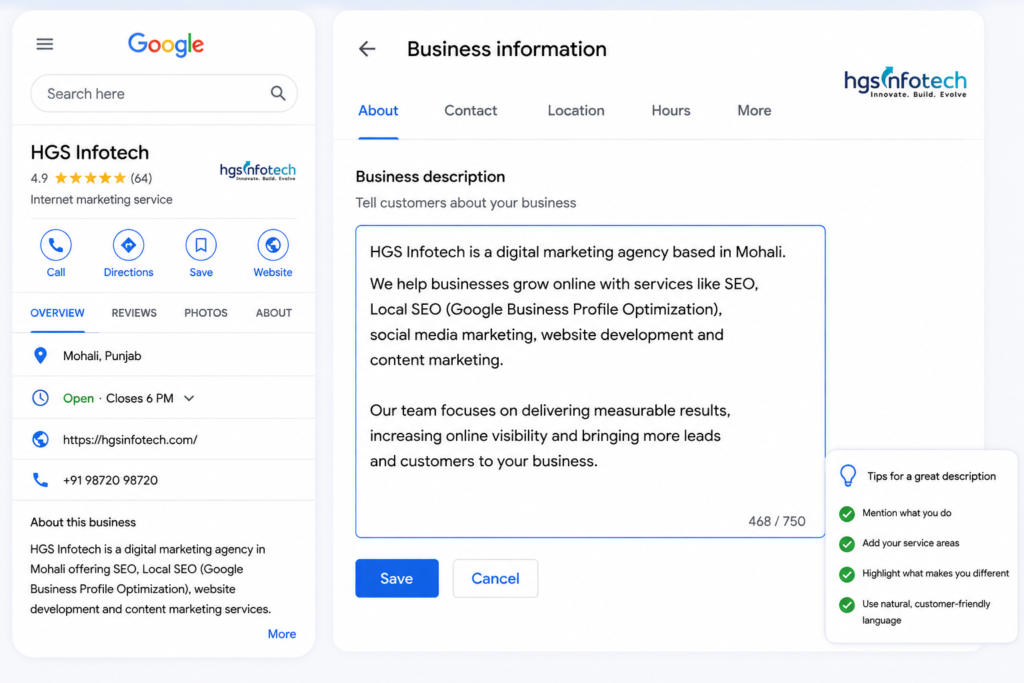
Most business descriptions read like they were pulled from a company’s “About Us” page- mission statement, history, a line about values. None of that helps the profile get found. What actually helps is language that mirrors how people search: service names, service areas, specific terms customers actually type into Google.
That doesn’t mean keyword-stuffing it into nonsense. It means if you’re a plumber who does emergency repairs and water heater installs in three specific neighbourhoods, say exactly that, plainly, instead of “providing quality service since 1998.”
3. Photos: Frequency matters More Than Volume
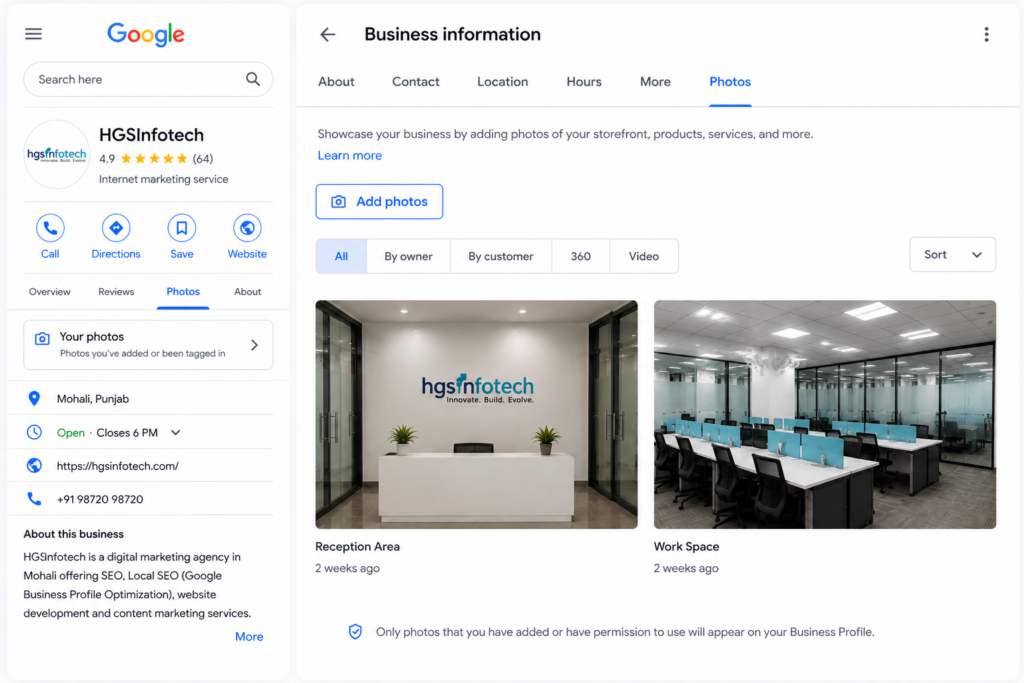
Everyone knows to add photos. Fewer people know that consistency beats a one-time upload binge. Businesses with a large photo library tend to see more calls and meaningful direction requests, and website clicks than average, but the bigger lever is recency: profiles that add new photos regularly signal ongoing activity to Google, and activity correlates with ranking.
A simple habit works better than a big effort once: add one or two new photos a week, real ones from real jobs or real locations, not stock. Thumbnail should be your logo; cover photo should represent the business at a glance- a job site, a storefront, whatever fits.
4. Reviews: Response Rate is the Part People Skip
Almost every guide says “get more reviews.” Fewer mention that responding to them – every one of them, good and bad – matters nearly as much as collecting them in the first place.
A profile with 40 reviews and zero owner responses reads as abandoned. A profile with 25 reviews and thoughtful responses to each reads as active and trustworthy both to Google and the person reading it.
Responding to negative reviews specifically is where most businesses flinch and skip it, which is a mistake – a calm, specific response to a bad review often does more for credibility than another five-star review would.
5. Use the Q&A Section Before Someone Else Fills It Wrong
This one gets skipped constantly. Anyone can post a question on your Google Business Profile, and anyone can answer it – including people with no connection to your business. Left unmanaged, this section fills with guesses, outdated info, or nothing at all.
Seed it yourself. Post the five or six questions customers actually ask most – pricing ranges, service areas, turnaround times – and answer them accurately. It closes a gap most competitors leave wide open, and it gives Google more relevant, keyword-rich content tied directly to your profile.
6. Fill out all the Boxes – Products, Services, and Attributes
The Services section is where a lot of businesses stop after listing three or four generic entries. Every specific service you offer deserves its own entry, with a short description that uses natural, specific language.
It’s more content for Google to match against searches, and it helps customers self-select before they even click through. Attributes – things like “women-owned, “free estimates, “online appointments” – are small checkboxes that get ignored constantly, but they’re also filter criteria some users apply directly in search.
7. Posts: Treat Them Like Content, Not Announcements
Google Posts show up right on the profile and expire after seven days, which is exactly why most businesses stop bothering with them – feels like effort for something temporary.
But active posting is one of the more direct “we’re alive and active” signals a profile can send, and it keeps fresh, keyword-relevant content flowing without needing a full website update.
Doesn’t need to be complicated. A recent project, a seasonal offer, a quick tip – posted weekly, it does more for the profile’s activity signal than most owners expect from something this low-effort.
8. Check for Duplicate or Conflicting Listings
A surprisingly common issue, especially for businesses that have moved, rebranded, or been listed by a previous owner – multiple Google Business Profiles exist for essentially the same business.
This splits reviews, confuses NAP consistency, and can actively hurt rankings instead of helping. Worth a search for the business name and address specifically to check nothing old is still floating around unmanaged.
NAP consistency more broadly – making sure your name, address, and phone number match exactly across your website, GBP, and any directory listings.
9. Track What’s Actually Working
Google Business Profile insights show how people find the profile, what actions they take, and which photos and posts get the most engagement. Most businesses never look at this past the first week of setting up their profile.
Checking it monthly and adjusting based on what’s actually driving calls versus what’s just sitting there is the difference between optimization once and actually managing the profile over time.
At HGSInfotech, this is usually the piece we end up building into ongoing work with clients – not the one-time setup, but the monthly check that catches a dip in calls or a stalled photos upload schedule before it costs real leads.
Final Words
Google Business Profile optimization isn’t really a checklist you finish once. The businesses that consistently show up in the local pack are the ones treating it like an active channel – fresh photos, managed Q&A, real responses to reviews, weekly posts – not a form filled out once and forgotten.
Start with the primary category audit and the Q&A seeding, since both are quick wins most competitors haven’t bothered with, then build the habits – photos, posts, review responses from there.